Device Installation on the Vojo Portal
Device Installation Process
Once you have set up your Vojo Portal account, you can register your Harvester device:
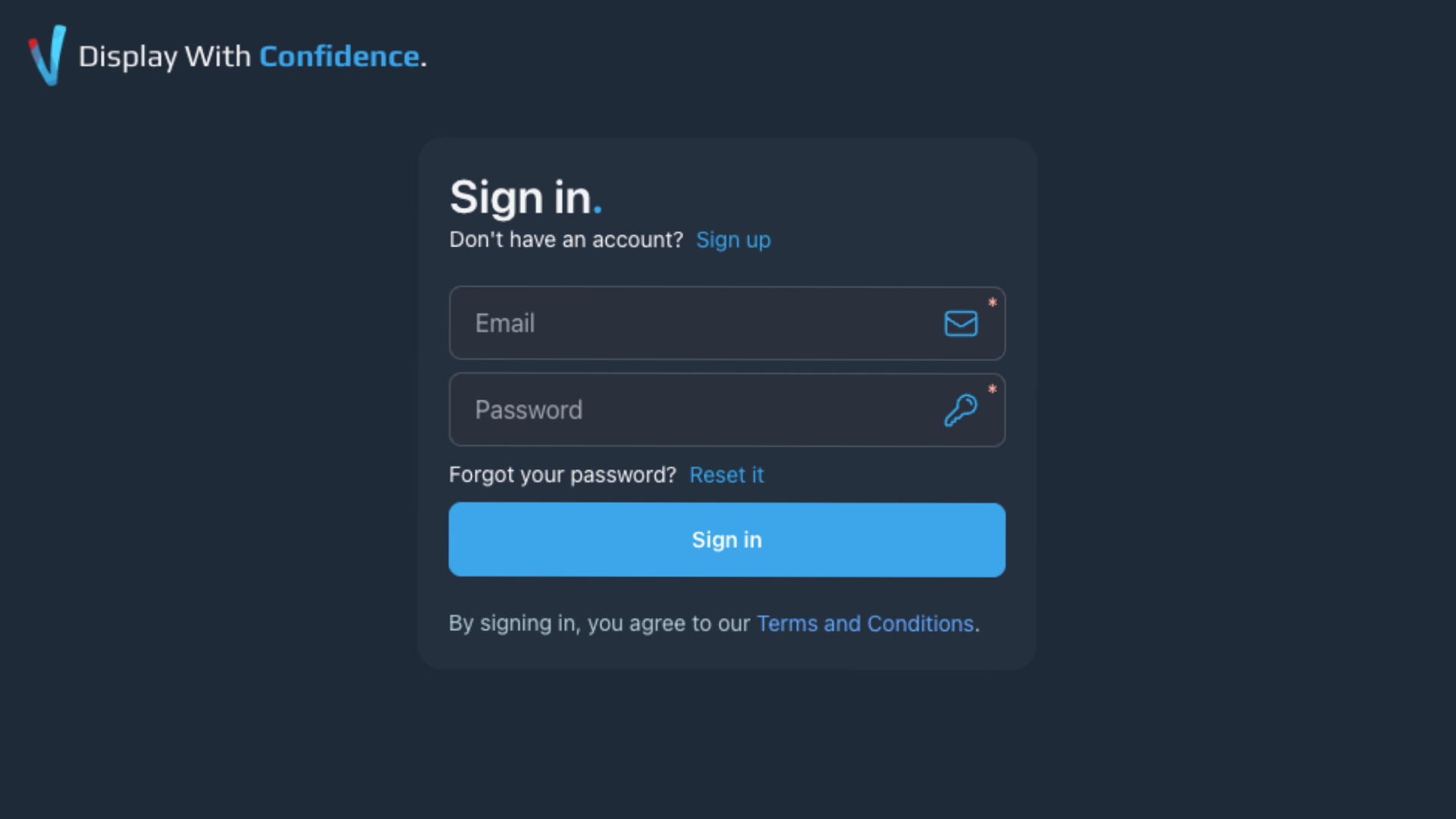
Step 1: Login to the Vojo Portal using your account credentials.
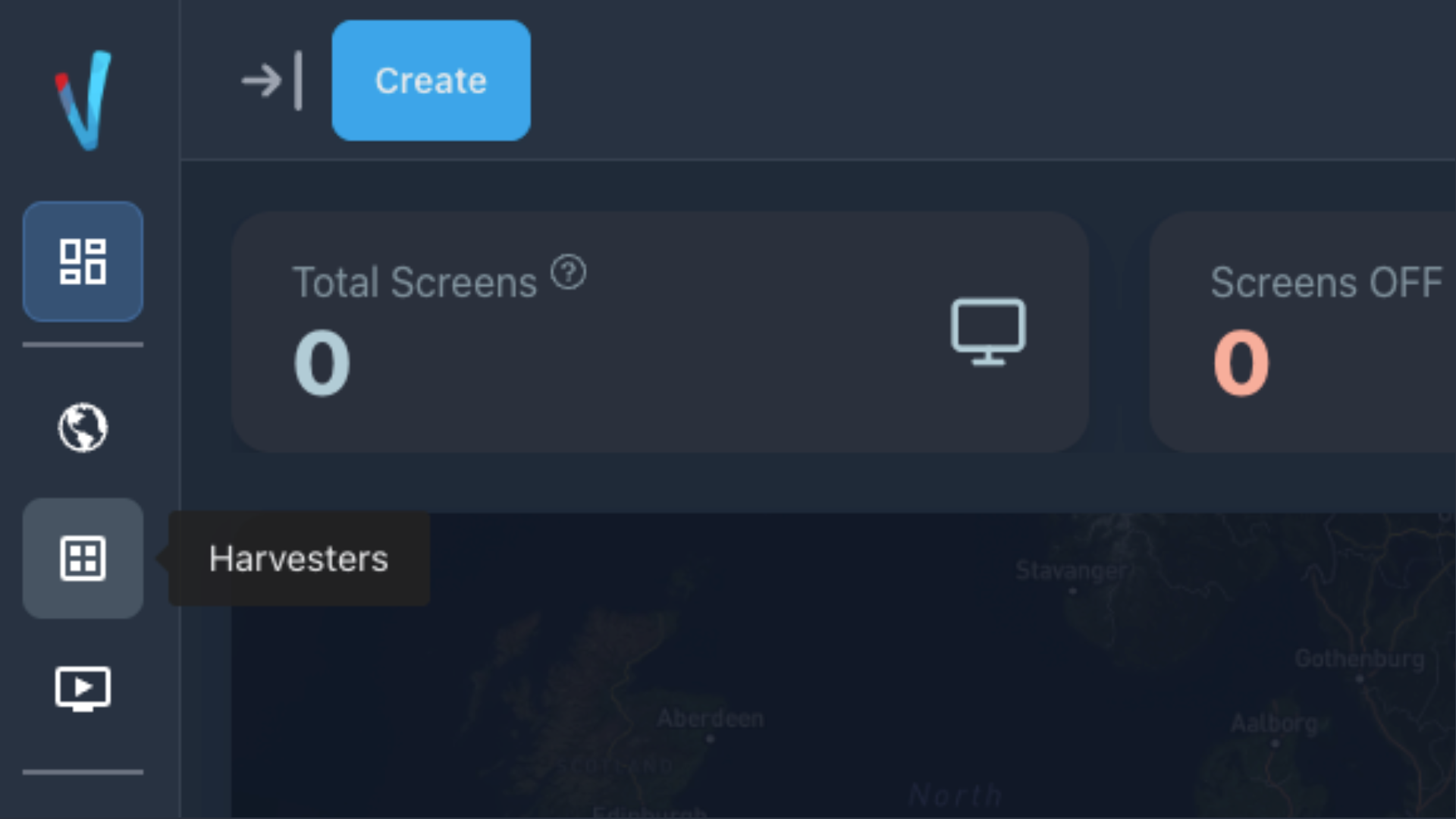
Step 2: Navigate to the Harvesters page in the Vojo Portal.
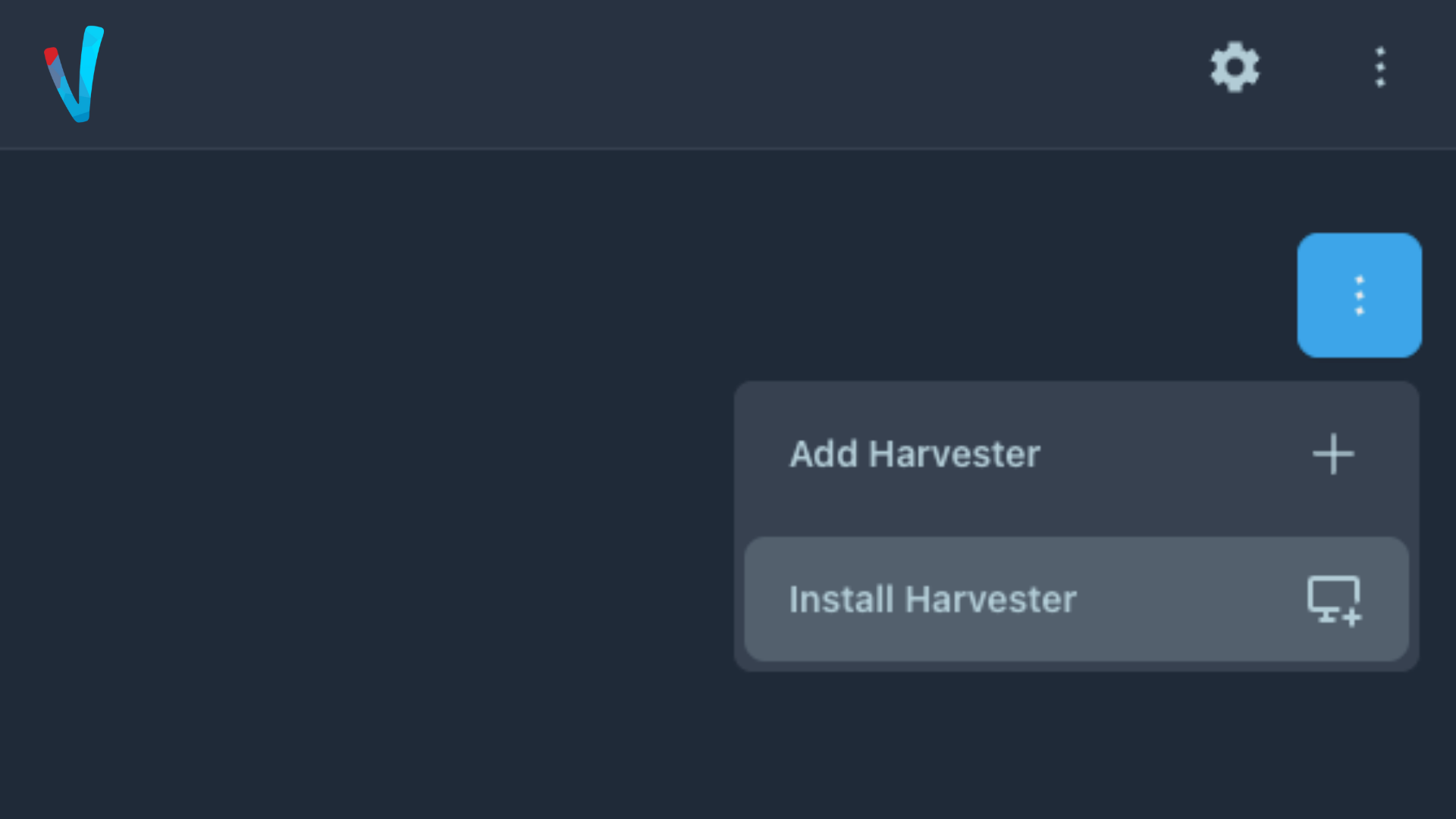
Step 3: Select 'Install Harvester' from the dropdown menu.
If the option is disabled, ensure that you have at least one Site created on your account.
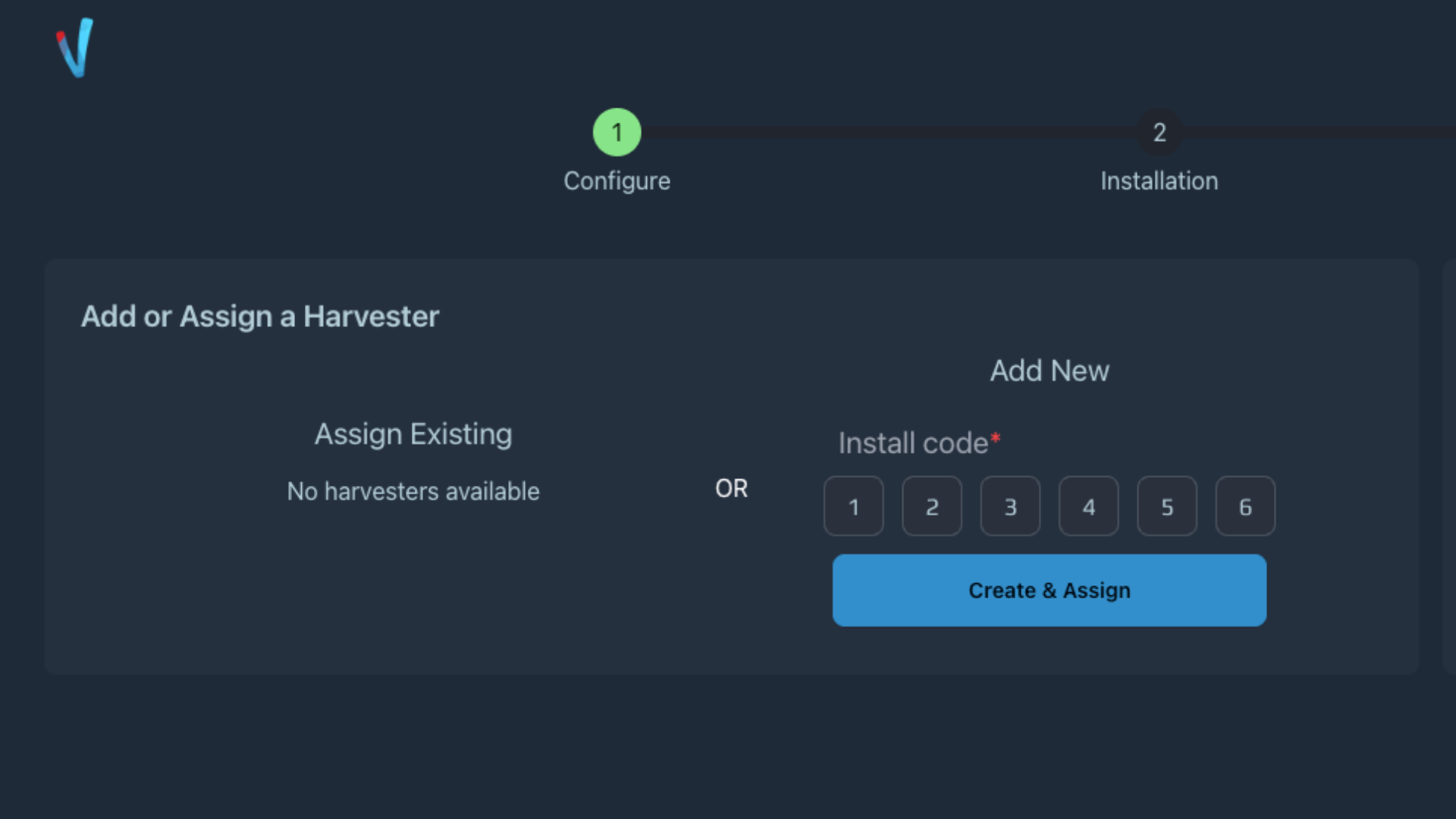
Step 4: Enter your Harvester's Activation Code and Click 'Create & Assign'
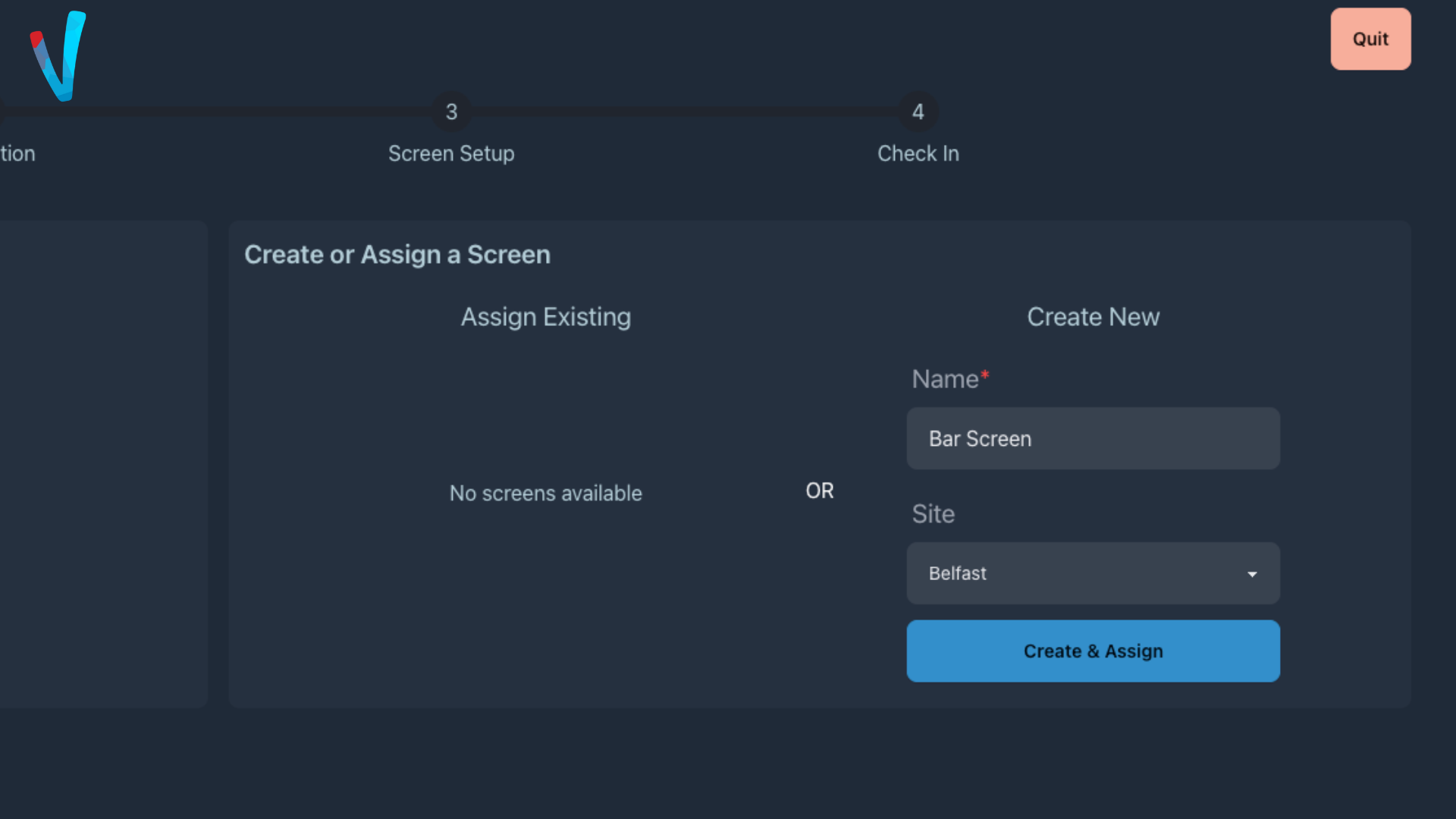
Step 5: Select a Screen or Create a New Screen and Assign
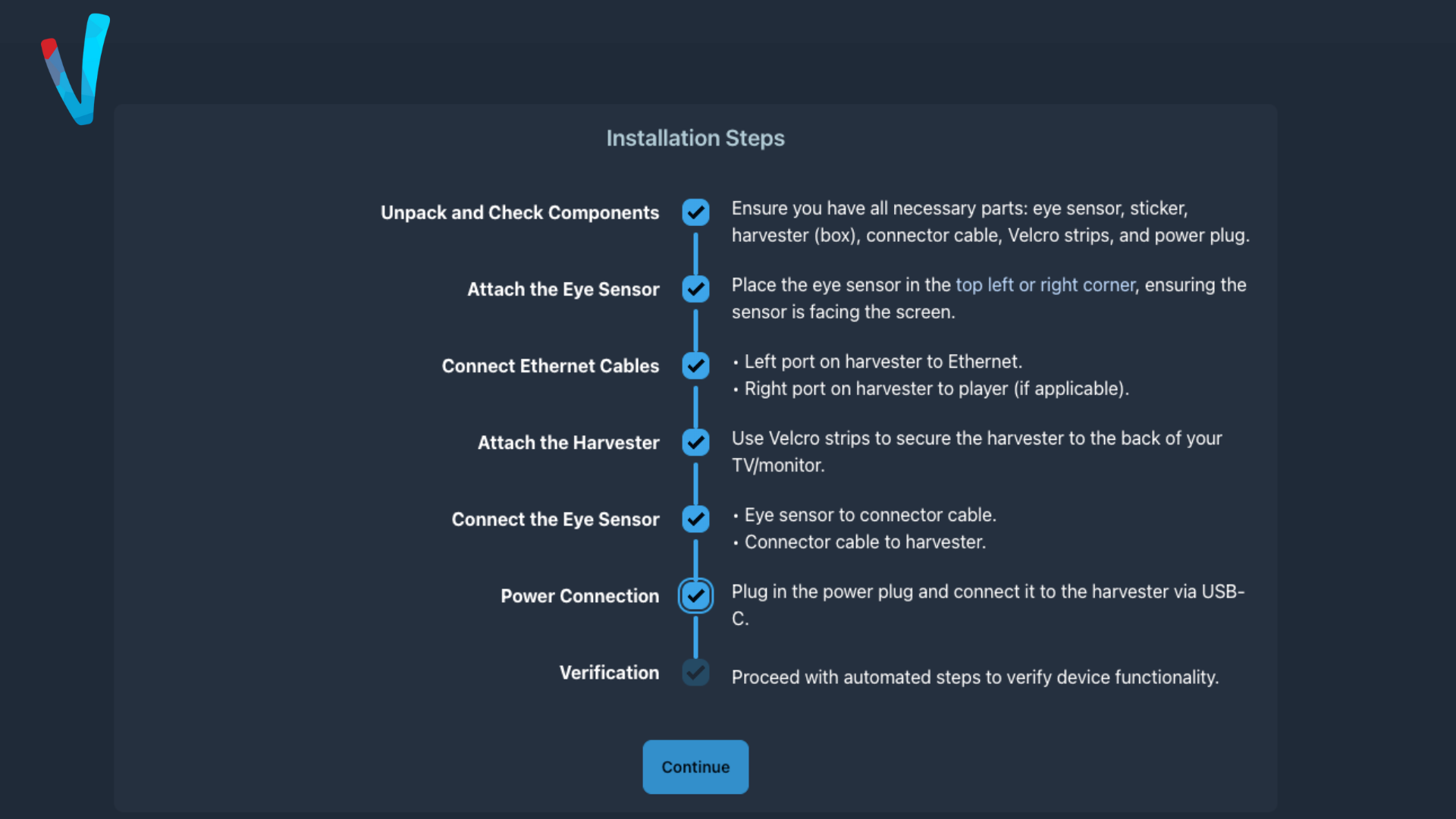
Step 6: Confirm the Installation Steps and click 'Continue'
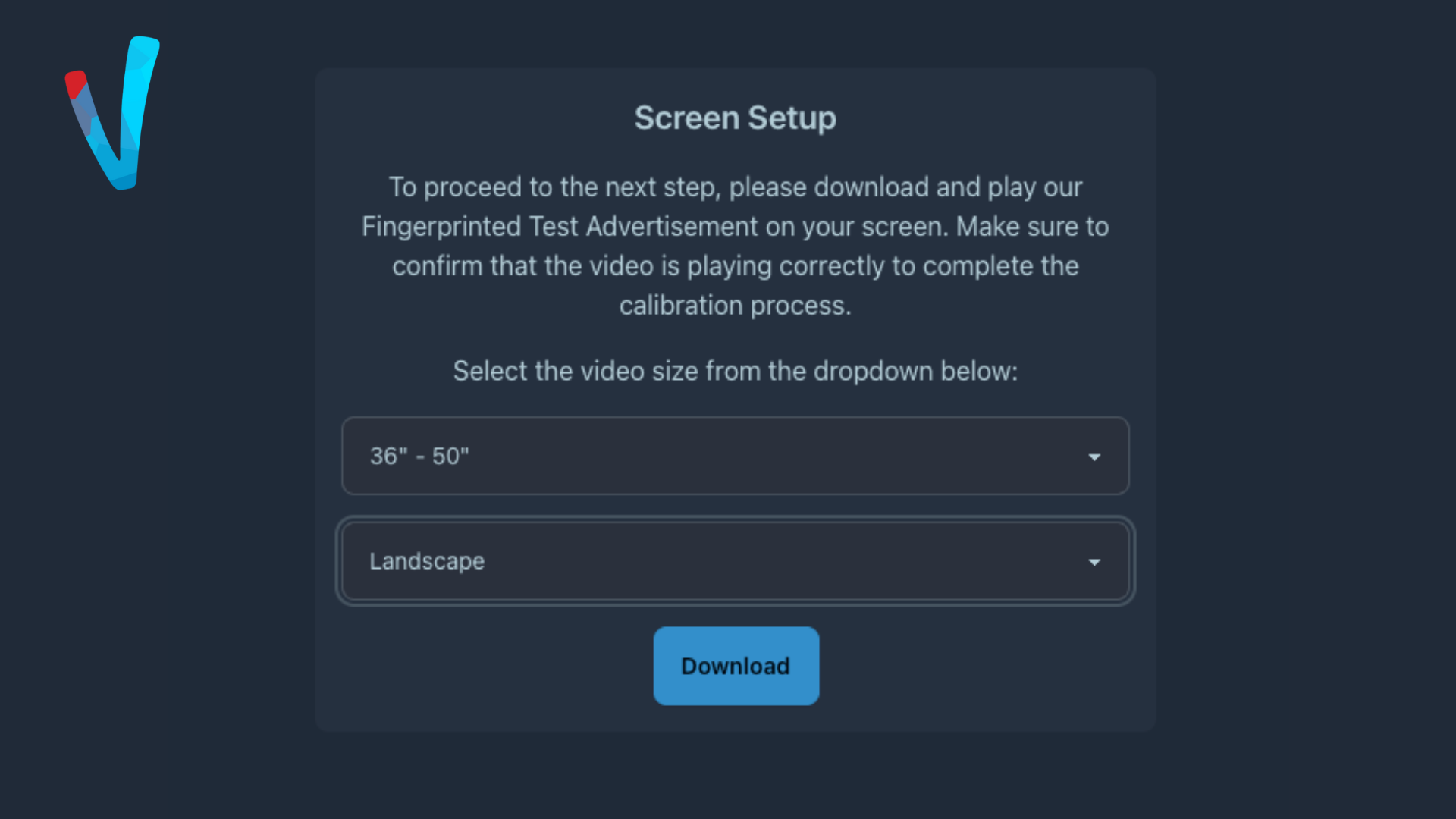
Step 7: Select your Screen Size and Screen Orientation, Upload the Downloaded Video to your Screen
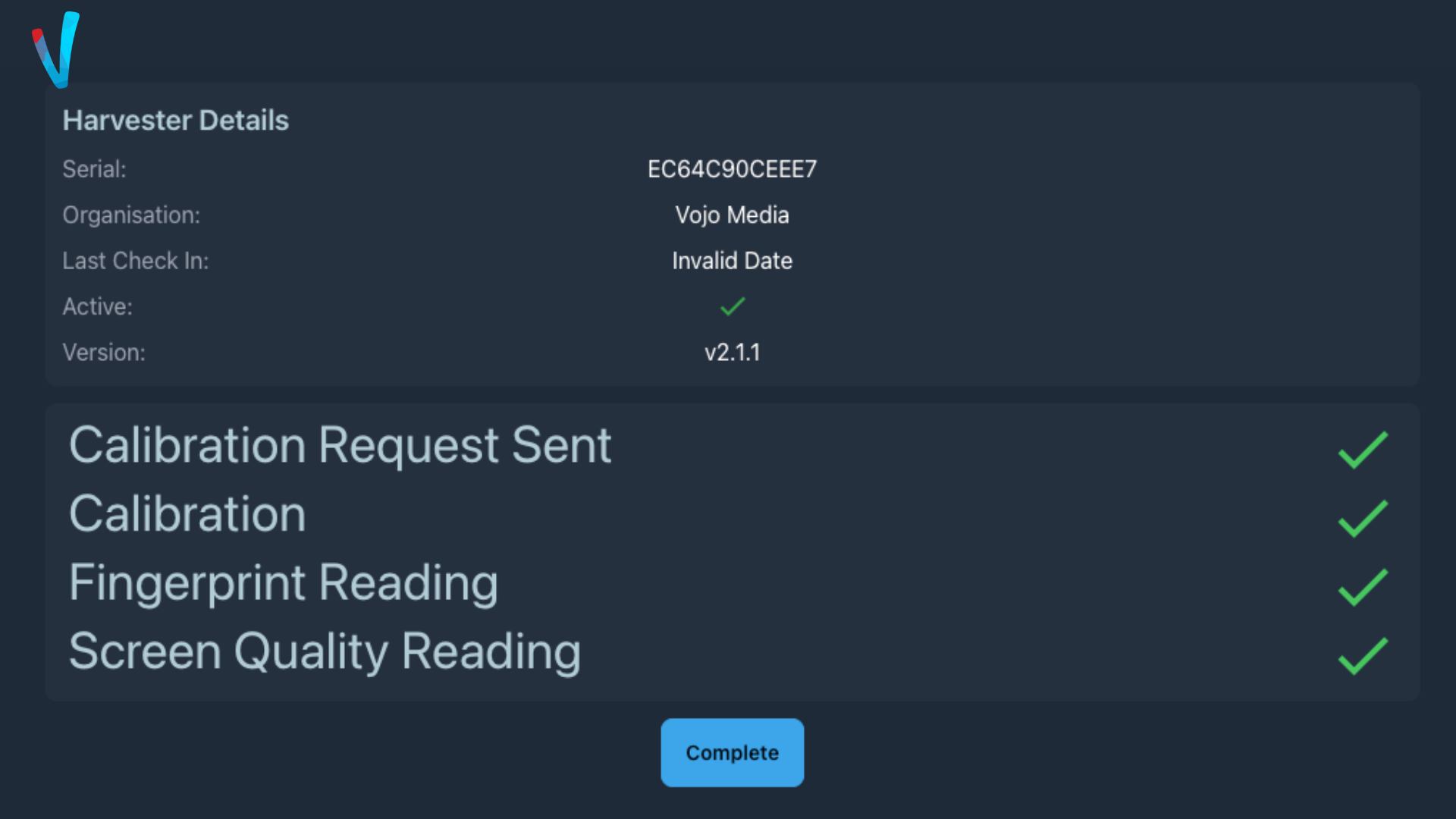
Step 8: Allow the Harvester to run through it's automated calibration steps